Aruba, Dutch Caribbean. Planet Earth.

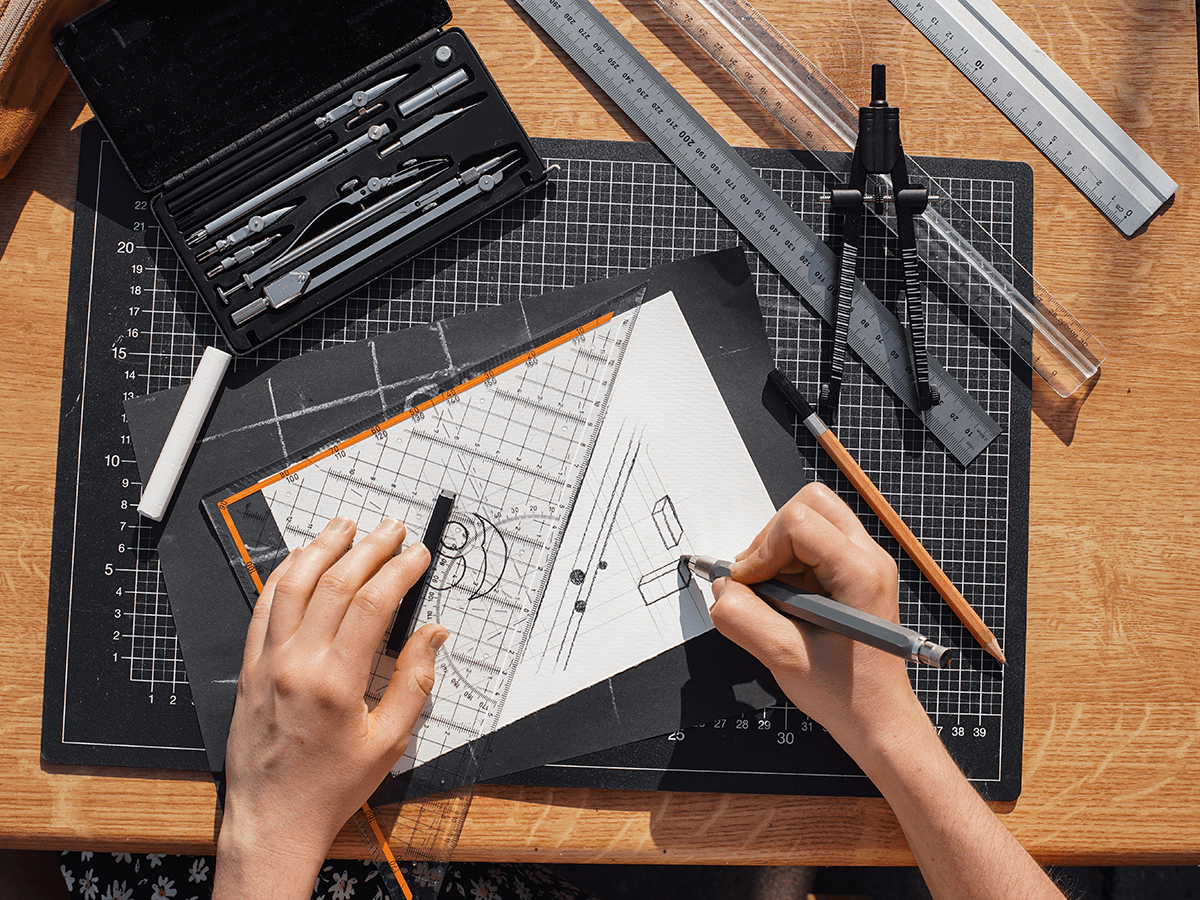
The honest answer, backed by Adobe’s own data, is the early and repetitive parts of a project. Creatives in that survey reported saving an average of 17 hours a week, most hitting at least a 50% speed gain, and 91% now run more than one AI model per asset — half of them picking a specific model for a specific task, and nearly half comparing outputs side by side before choosing one. That is not a single shortcut; it is a habit of exploring more directions in less time. In practice, that means ten rough logo directions in the time it used to take to sketch two, a first pass at resizing one campaign asset into fifteen social formats, background clean-up on a batch of product photos, or a handful of headline variations to react to instead of staring at a blank page.

Because these models are probabilistic, not deterministic — they predict the most statistically likely next pixel rather than applying a fixed rule, and a logo or a headline is exactly the kind of asset that punishes a probabilistic guess. Industry analysis of AI design failures documents the pattern clearly: models fabricate typographic characters that do not exist in any real typeface, produce mismatched letter weights and tails that break legibility, and generate logos with permanently merged backgrounds, asymmetrical lines and stray pixels that collapse the moment the file is scaled up for print or a high-resolution display. None of that shows up in a quick on-screen preview. It shows up when a sign shop or a print vendor opens the file.
Not on its own. The same industry analysis found that identical components — buttons, tables, even date formats — can behave differently from one AI-generated page to the next, because the model defaults to generic patterns instead of a business’s actual design system whenever it hits a gap in its instructions. Adobe’s survey backs this up from the creative side: 84% of professionals are actively worried about maintaining brand continuity and 64% fear their AI-assisted work is starting to look like everyone else’s. Left unmanaged, an AI design workflow does not just risk one bad asset — it risks a brand that looks like four different companies depending on which day a piece was made.
A three-layer approach, and it starts before generation rather than after. First, a human sets the boundaries up front — structured, specific inputs instead of an open-ended prompt, so the model is filling in a small gap rather than guessing an entire brand. Second, the model is pointed at pre-approved assets only: a real logo file, real brand colours, real components, so it cannot fabricate a replacement version of any of them. Third, nothing ships without a sign-off step, with a record of who approved it and when. Moving human judgement to the front of the process, before generation, catches problems while they are still cheap to fix instead of after a client has already seen the result.
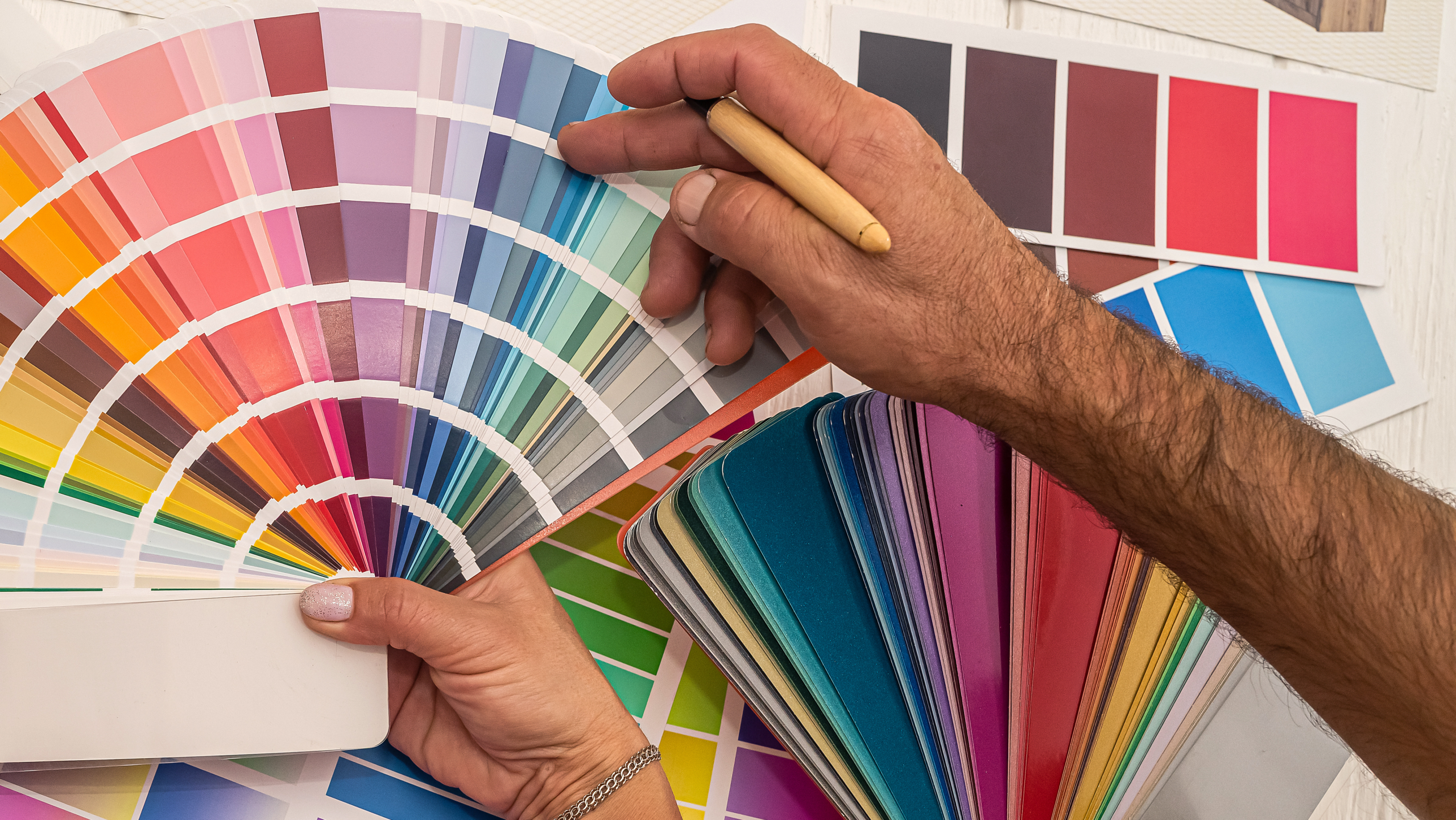
Aruba is a small market, which means a single inconsistent logo file or an off-brand social post travels further than it would somewhere bigger — there is less room to blend in. Multilingual work raises the stakes again: a site or a campaign running in English, Spanish, Dutch and Papiamento leans on AI translation more than most, and Papiamento in particular is thin ground for a general-purpose model — it is its own language, not a Spanish dialect, and a model trained mostly on larger languages will get idiom and tone wrong in ways a fluent human catches instantly. And when a client needs artwork handed to a local printer or a sign shop, the stray pixels and merged backgrounds that AI tools still produce in logo work are not a cosmetic issue — they are the difference between a clean proof and a reprint.
An online web design studio based in Aruba, building beautiful and user friendly websites that help your business connect with customers.
★★★★★ 4.8 from 16 Google reviews